
Have you been tired of staring at your old monitor sitting in the corner? It is of no use to you anymore and is just sitting there taking up space in your room and your mind. But throwing it in the trash is not an answer.
Beneath all the plastic and glass, harmful materials are ready to harm the environment if discarded carelessly. But with responsible recycling, those same devices become a source of valuable materials that can be recovered, reused, and kept out of landfills.
Dangers of Inefficient LCD Disposal
Most people are unaware of the dangers of inefficient LCD disposal.
Here’s what can go wrong when LCD monitors and other e-waste aren’t recycled responsibly:
-
Air pollution

Image Source: iStock/Boyloso
When e-waste is burned or improperly disposed of, it releases toxic gases into the air. These pollutants can travel far beyond the landfill, affecting nearby communities and contributing to long-term environmental damage.
| Source | Pollutants Released | Effects on Health & Environment |
| Burning e-waste | Lead, mercury, cadmium, brominated flame retardants | Toxic fumes can cause respiratory issues, neurological damage, and enter the food chain |
| Landfill decomposition | VOCs from plastics, chemical vapors | Contributes to greenhouse gases, poor air quality, and long-term environmental contamination |
| Transport emissions | Diesel exhaust from hauling e-waste | Increases carbon footprint and urban air pollution |
-
Water contamination

Image Source: iStock/iiievgeniy
Hazardous chemicals from old monitors, such as lead and mercury, can seep into the soil and eventually reach groundwater. This contamination threatens local drinking water supplies and can have lasting consequences for human health.
| Toxic Material | Found In | How It Contaminates Water | Health & Environmental Risks |
| Lead | CRT glass, solder | Leaches into soil and groundwater | Damages nervous system, especially harmful to children |
| Mercury | Older LCD backlights | Seepage into rivers, lakes, and soil | Affects brain, kidneys; bioaccumulates in fish |
| Cadmium | Batteries, circuit boards | Enters groundwater through landfill leachate | Carcinogenic, affects lungs, kidneys, and bones |
| Brominated Flame Retardants (BFRs) | Casings, cables | Dissolves slowly in water bodies | Hormone disruption, reproductive and developmental effects |
-
Health risks

Image Source: iStock/Thx4Stock
Exposure to the toxins in discarded electronics can harm the nervous system. Lead, in particular, is dangerous for children and can cause developmental issues, while mercury can impact overall neurological health in people of all ages.
-
Electronic waste export
When e-waste is exported to countries with unsafe recycling practices, local communities are exposed to toxic substances. Inefficient processing not only pollutes the environment but also poses serious health risks for workers and residents.
-
Loss of valuable resources
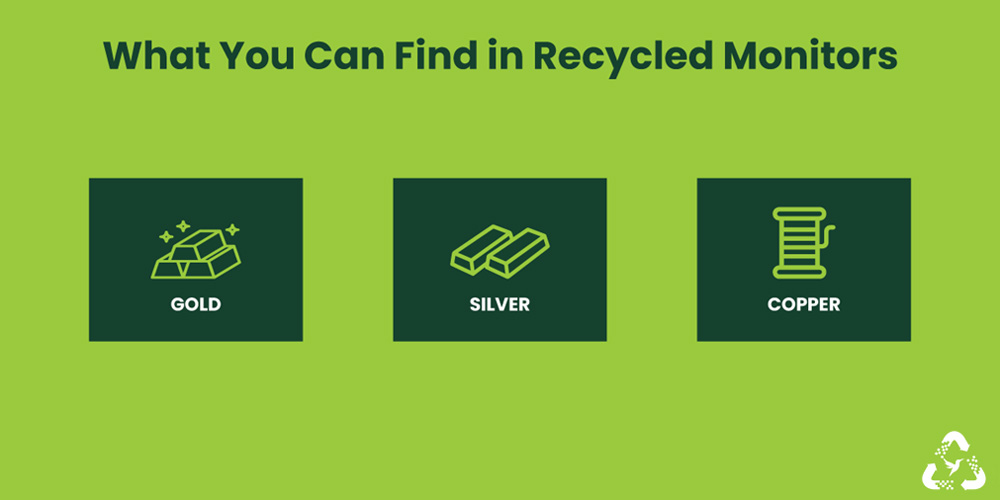
Every device contains valuable metals and materials, from gold and silver to rare-earth elements. Throwing these devices away wastes resources that could be recovered and reused, representing billions of dollars in lost value.
-
Illegal dumping
Improperly discarded monitors often end up in unauthorized dumping sites. These sites create eyesores, attract pests, and contribute to unsanitary conditions, adding yet another layer of environmental and community risk.
Even as newer, more eco-friendly LED screens are replacing older LCD and CRT monitors, there’s still a huge gap in proper recycling for these outdated devices. But how can you make sure your old monitor doesn’t harm the environment or put people at risk? Let’s explore the steps you can take.
How to Properly Dispose of LCD and CTR Monitors
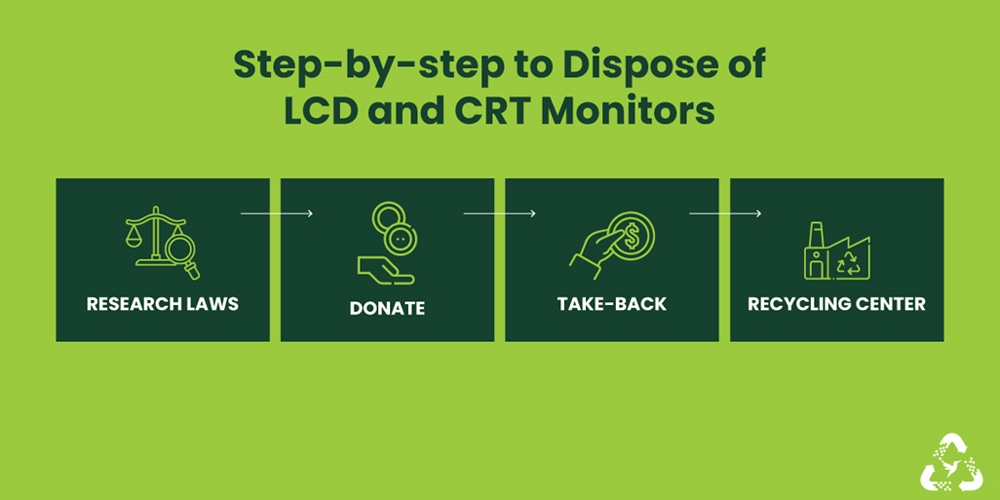
Properly recycling your old LCD or CRT monitor doesn’t have to be complicated. By following a few simple steps, you can create ripple effects that safeguard your data and protect the environment.
Research recycling guidelines
Start by checking your state and local e-waste recycling laws. Regulations vary: some states cover a wide range of electronics, while others are more limited. For example, New York accepts CRT monitors, desktops, and even portable DVD players, whereas Pennsylvania focuses mainly on desktops, monitors, and tablets. The Electronic Recycling Coordination Clearinghouse (ERCC) is a helpful resource to find all the rules and programs in your area.
Donate or sell

Image Source: iStock/InspirationGP
Before sending your monitor to a recycling center, consider giving it a second life. Donating or selling your old tech helps extend its usability, supports education, and bridges the digital divide in communities. Make sure your device is in working condition and remove all personal data before passing it on. Even small steps like this can make a big difference in someone’s life.
Explore take-back programs

Image Source: iStock/IvanaBrcic
Many manufacturers and retailers have launched take-back initiatives for old electronics. Companies like LG, Dell, HP, and Apple accept devices for responsible recycling, and some even offer trade-in discounts. Staples and Best Buy also accept LCD and CRT monitors nationwide. Check with the brand or store to see their specific program and drop-off options.
Choose a local e-waste recycling center.

Image Source: iStock/simon2579
Local e-waste recyclers can safely dismantle and recycle your monitors. Look for certifications like e-Stewards (BAN) or R2 Standard (SERI) to ensure they meet environmental and safety standards. Even if a recycler isn’t certified, make sure they avoid illegal dumping or exporting e-waste. Some recyclers also offer professional data destruction, which keeps your personal information secure.
Remove personal data

Image Source: iStock/Pawel Kacperek
If your monitor is part of a full desktop system, wipe the hard drive before recycling. Many old devices still contain sensitive information that can pose security risks if not properly erased. Professional e-waste services can handle this for you, guaranteeing that your data stays protected while your device is recycled responsibly.
Use protective packaging to transport the monitor
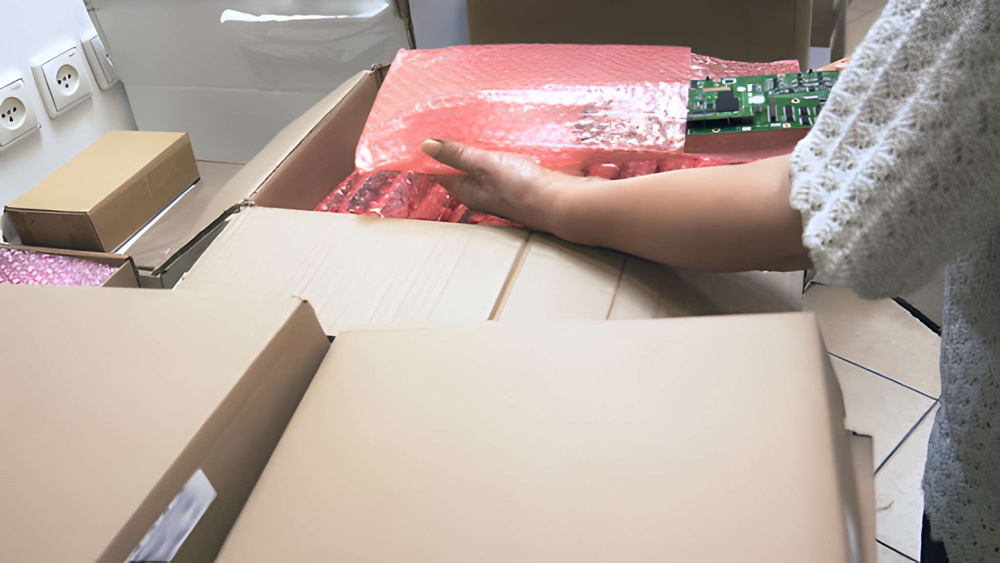
Image Source: iStock/alexey_ds
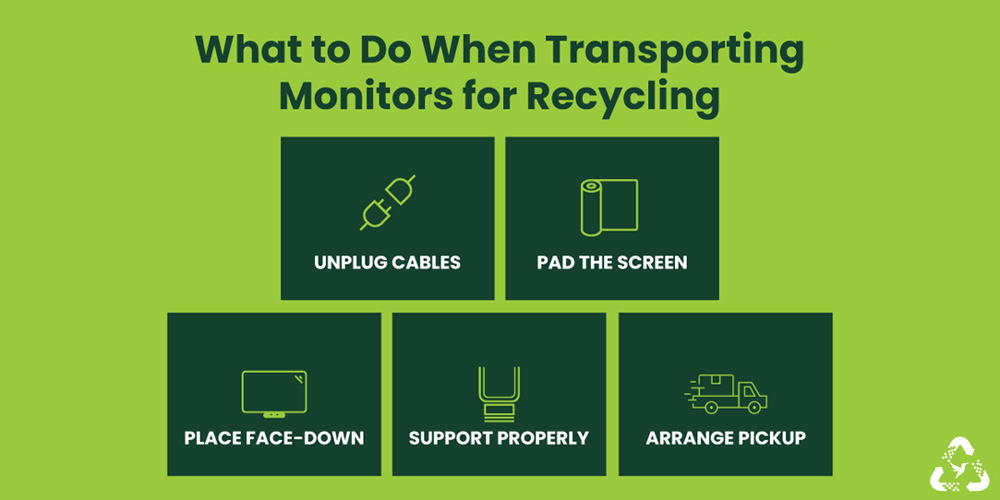
Before shipping or dropping off your monitor, pack it carefully to prevent damage. Unplug all cables, wrap the monitor in a thick towel, and place it face-down on a padded surface in your car. For heavier monitors, use a dolly or rolling chair to move them safely. If using a pickup service like Hummingbird International, rest assured that even damaged monitors are collected and recycled correctly.
Monitor Recycling With Us
For residents and businesses in New York, New Jersey, and Pennsylvania, we offer hassle-free recycling for old LCD and CRT monitors. Our green recycling programs safely dispose of a wide range of electronics, keeping hazardous materials out of landfills and giving valuable components a chance to be reused.
FAQs
Should I be aware of any local regulations when recycling my monitor?
Yes, Recycling laws vary by state and municipality. Resources like the Electronic Recycling Coordination Clearinghouse (ERCC) can help you find official guidelines in your area.
Are take-back programs a reliable option?
Yes. Many manufacturers and retailers offer take-back programs that ensure responsible recycling, and some even offer trade-in discounts. They are often more convenient and safer than DIY disposal.
Can damaged monitors be recycled?
Absolutely. Even broken monitors contain valuable metals and components. Certified recyclers can safely dismantle damaged screens to recover metals, plastics, and glass.
How do I know if my monitor contains hazardous materials?
Older CRT monitors almost always contain leaded glass. Older LCDs may have mercury in backlights. Most modern monitors are safer but still contain metals and plastics.


Leave a Reply