Hospitals and health care facilities retire hundreds of old laptops every year as part of hardware refresh cycles, technology upgrades, and office relocations. These retired devices are kept in storage rooms, transferred for reuse, sent to an IT asset disposition (ITAD) provider, or given to those who wish to take them.
HIPAA requires healthcare organizations to implement appropriate safeguards for protected health information, including during the final disposition of devices and electronic media.
Why HIPAA Compliance Matters for Laptop Disposal
Most hospitals treat laptop disposal as a routine IT task. It is not. Every retired laptop that leaves your facility without proper data destruction is a compliance risk and a potential HIPAA violation waiting to happen.
One improper disposal can lead to an OCR (Office for Civil Rights) investigation and monetary violations that accumulate per violation.
According to the HHS Office for Civil Rights enforcement data, the penalties range from $100 to $50,000 per violation. On top of that, legal fees cost between $50,000 and $500,000.
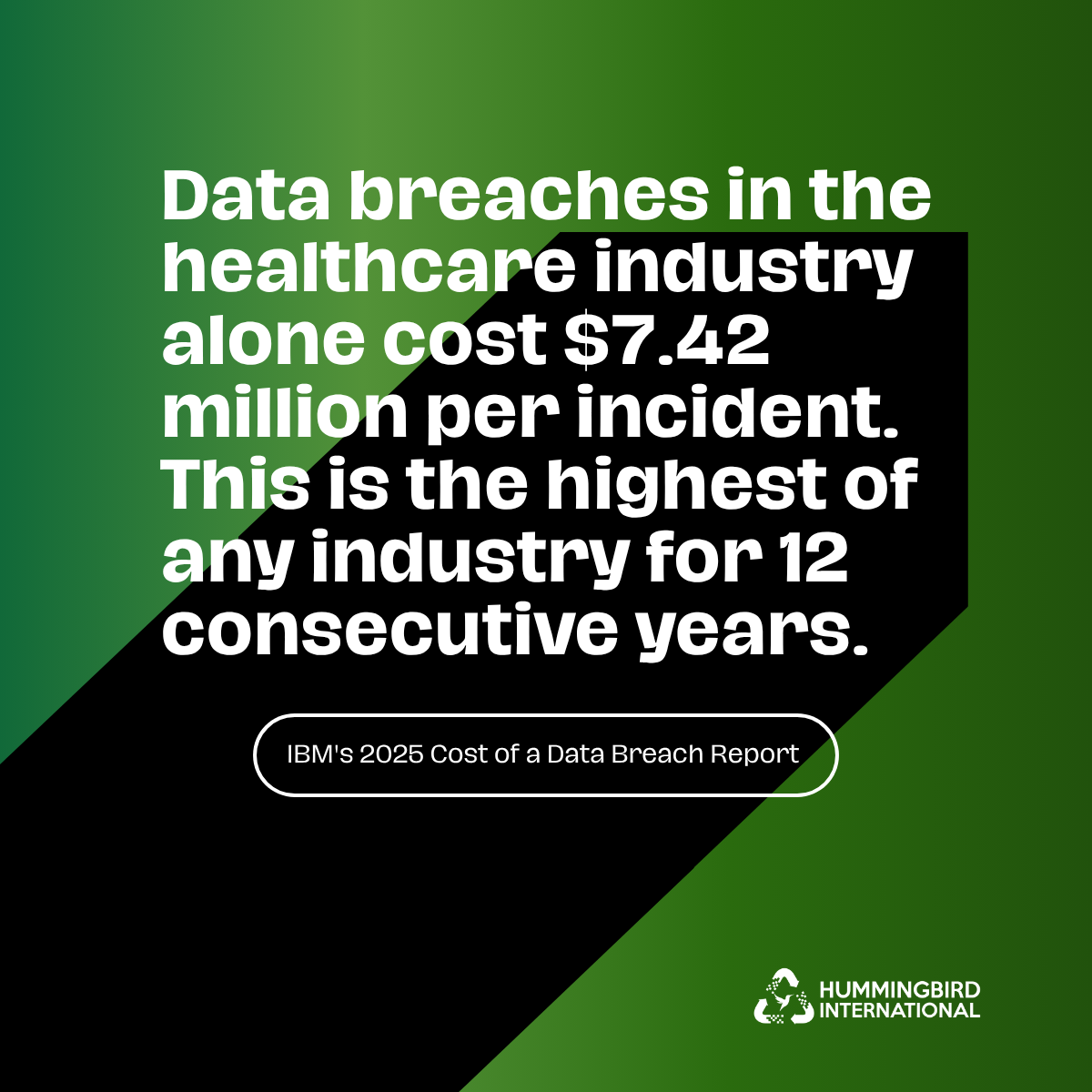
Further, IBM’s 2025 Cost of a Data Breach Report found that breaches in the healthcare industry alone cost $7.42 million per incident. This is the highest of any industry for 12 consecutive years.
| Cost Category | If You Don’t Comply | Certified Disposal |
| Per violation / per device | $100 – $50,000 | $50 – $150 per device |
| Annual exposure | Up to $1.5 million/year | 50 laptops = $2,500 – $7,500 total |
| Legal defense | $50,000 – $500,000+ | Minimal additional cost |
| Breach notification | Significant — staff time + mailing costs | Included in vendor process |
| Reputation | Patient trust is difficult to rebuild | Full audit trail provided |
It’s not just about doing the right thing–it’s about safeguarding your organization against consequences that outweigh the cost of doing it right.
Any healthcare organization that has a data destruction and device disposal guidelines or policy can never be caught off-guard by compliance problems that lead to these penalties.
HIPAA-Compliant Laptop Disposal Process
HIPAA-compliant e-waste disposal comes down to three things: destroying data properly, documenting every step, and using certified vendors. Work through each section below before disposing of any healthcare laptop.
1. Build a Complete Device Inventory
Before anything else, create a full record of every laptop being disposed of. Write down:
- Serial number of each device
- Brand and model
- What type of data it contains (patient records, billing, etc.)
- Physical condition
- Total quantity
This inventory is your starting point for everything that follows. Auditors will ask for it. You need it to verify that every device was properly destroyed at the end of the process.
2. Select a Data Sanitization Method
Just deleting files is not sufficient. Forensic software can recover data from deleted and even “formatted” drives. According to NIST SP 800-88, the federal reference standard for media sanitization, data must be sanitized before disposal. Here are three HIPAA-compliant data destruction methods:
- Physical shredding: The hard drive is physically broken down into small pieces. Most commonly used. Very secure.
- Incineration: The hard drive is burned at controlled temperatures. Fully secure.
- Degaussing:A strong magnetic field that removes information from magnetic media. Compliant with ASTM D4572.
Your vendor needs to follow the industry standard process of NIST SP 800-88 data destruction.
This is the industry benchmark for media sanitization. This is what the auditors look for.
3. Maintain Chain-of-Custody
A chain-of-custody is a document that records the movement of all devices from the time they leave your hospital until they are destroyed. It’s your certificate of compliance.
It should include:
- Each laptop’s serial number
- Name of the person or department who had it and when
- Transfer dates and locations
- The name of the vendor and contact
- Destruction method and date
- Authorized vendor personnel’s signature
This document is your response to the regulators’ question: What happened to this device? Maintain chain of custody for 6 years. Some states have longer retention requirements – see your local regulations.
4. Obtain Disposal Approval
Before you get on with the disposal of laptops, make sure to notify the right people and get a written clearance:
- Compliance officer: Get written approval via email. Keep it in your records.
- IT director: Confirm disposal plan and timeline.
- Legal team: Flag any active lawsuits, regulatory investigations, or ongoing audits. Legal holds can override disposal timelines entirely.
These written approvals create a paper trail showing your organization acted deliberately and responsibly. They also protect individual IT staff if questions arise later.
5. Secure Asset Transportation
Many organizations do not realize that moving laptops from their facility to the data destruction vendor is a component of the chain of custody process.
- Use locked and sealed containers
- If necessary, use a secure courier
- Monitor the shipment and have proof of delivery
Record the person who carried it, the way it was carried, and the date it was delivered.
Devices containing patient data must be delivered by a regular delivery service or secured box. A breach can occur during transit as well as anywhere else.
6. Verify ITAD Vendor Credentials
When finding a certified ITAD vendor, ask for official paperwork.
Confirm they have:
- Compliance certification (written, not oral)
- The data destruction certifications R2v3, e-Stewards, or NAID AAA
- Written destruction methodology
- Evidence of data breach liability insurance coverage
- References from other organizations
7. Verify Data Destruction
Send a staff member, if feasible, to supervise the destruction. If this is not possible, request photos or video of the vendor with the times stamped on them.
A Certificate of Destruction will be issued for each laptop that is destroyed, and will contain:
- Device serial number
- Destruction method used
- Date of destruction
- Authorized vendor representative’s name and signature
This certificate is legal proof of proper destruction of the device. Have one per individual device.
8. Archive Disposal Records
Once destruction is complete, make sure to archive all the documents, which include:
- Device inventory
- Chain of custody documents
- Transport records
- Vendor certifications
- Certificate of destruction for each device
- Written approvals from the compliance officer and legal
Keep these records for a minimum of 6 years. Auditors can ask for documentation years after a disposal event. Without it, there is no proof of compliance.
9. Reconcile Final Disposition
Compare all the devices on the original inventory list with a Certificate of Destruction. Check that nothing is in a storage room, back office, or vendor’s premises. All devices need to be accounted for.
An open compliance issue is when a device on your inventory doesn’t have a matching certificate. Resolve it before closing out the disposal process.
Checklist for HIPAA-Compliant Laptop Disposal
Before Disposal
- ☐ Inventory all retired laptops
- ☐ Record asset and device details
- ☐ Identify devices containing ePHI
- ☐ Check legal holds and obtain approvals
- ☐ Select a qualified ITAD provider
Data Sanitization
- ☐ Select the appropriate sanitization method
- ☐ Verify data sanitization or destruction
- ☐ Collect destruction or sanitization records
Collection & Transportation
- ☐ Secure and label all assets
- ☐ Document pickup and transportation
- ☐ Maintain chain of custody
- ☐ Confirm delivery to ITAD provider
Vendor Verification
- ☐ Verify ITAD and data-security certifications
- ☐ Review sanitization and security procedures
- ☐ Confirm asset-level reporting
Final Disposition
- ☐ Match assets to disposition records
- ☐ Resolve unmatched assets
- ☐ Archive disposal records
- ☐ Close out the disposal process
Final Check
- ☐ All laptops accounted for
- ☐ Disposition fully documented
- ☐ Chain of custody complete
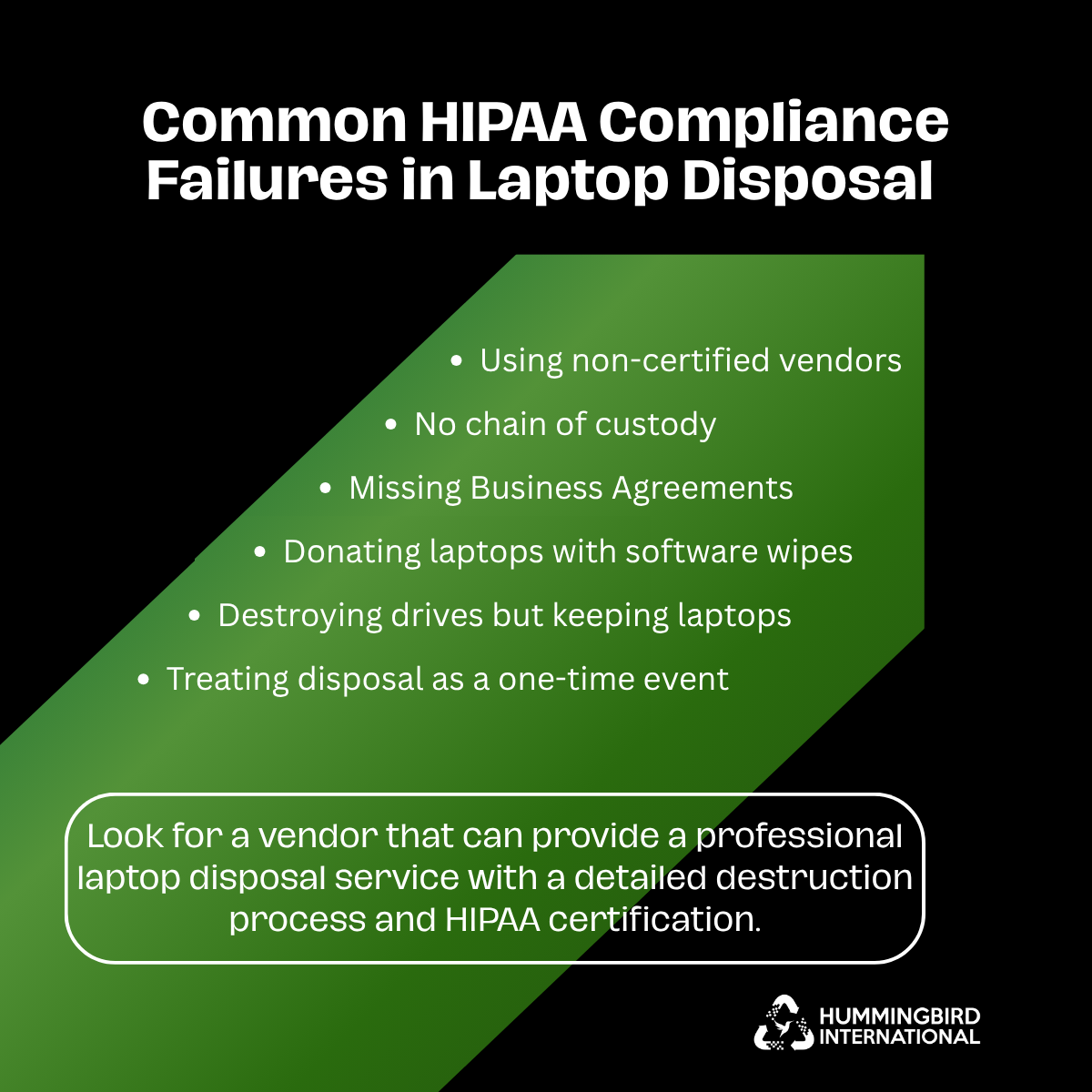
Common HIPAA Compliance Failures in Laptop Disposal
These errors are commonplace. They’ve led to fines, investigations, and reputational harm.
- Using non-certified vendors: The cheaper the vendor, the more likely you are to be fined if you use a non-certified vendor. HIPAA-certified vendors are more expensive because they abide by the rules. Only use certified partners.
- Donating laptops with software wipes: “We deleted all the files” is not sufficient to meet HIPAA requirements. Deleted data can be recovered using forensic tools in minutes. It must be physically destroyed.
- No chain of custody: If you can’t show who had it at each step and where it went, you can’t show that it was destroyed properly. Auditors will ask. You don’t need to rely on trust; you need documentation.
- Destroying drives but keeping laptops: Shredding the hard drive, but retaining the laptop in storage, is still a liability. Dispose of the entire device. Residual data can exist on other components.
- Missing Business Agreements: Verbal agreements are not binding. If the vendor fails, your hospital is liable for the entire loss without a signed document. No exceptions.
- Treating disposal as a one-time event: Device disposal should be a regular and planned process, as part of your IT refresh cycle and compliance calendar. Not something you figure out each time a closet fills up.
That’s why data wiping alone is not sufficient to meet compliance standards. Auditors will never approve if this is the only thing you did.
Vendor Verification Checklist: What to Confirm Before You Sign
Use this checklist to evaluate any vendor before signing a contract. Before you sign a contract, ask a vendor the following questions:
Certifications
- ☐ HIPAA compliance certification provided in writing
- ☐ Data destruction certifications verified (R2v3, e-Stewards, or NAID AAA)
Process and Documentation
- ☐ Certificate of Destruction provided per device
- ☐ Chain of custody process clearly explained
- ☐ Confirmed how many days devices are held before destruction
Destruction Methods
- ☐ On-site or off-site destruction option confirmed
- ☐ Destruction standards clearly stated (NIST SP 800-88, ASTM D4572)
- ☐ Vague or ambiguous answers about data handling
The choice between on-site and off-site data destruction depends on your volume, risk tolerance, and operational setup. If done properly, both are compliant.
Look for a vendor that can provide a professional laptop disposal service with a detailed destruction process and HIPAA certification.
Conclusion
One of the least considered compliance issues in healthcare IT is laptop disposal. It doesn’t seem like an emergency until it is an emergency. Those old devices have patient data stored on them. A single breach (from one improperly disposed laptop) can result in fines, investigations and breach notification costs that far exceed any disposal program.
Your organization has a clear and repeatable process with the nine-step checklist in this guide. Use qualified vendors, apply appropriate data sanitization or destruction methods, and document each step as part of your regular IT refresh cycle. This helps protect patient information and reduce compliance risks.
Frequently Asked Questions (FAQs)
Does HIPAA require us to notify patients if a laptop is improperly disposed of?
Yes, if the improper disposal results in a breach of unsecured PHI, the HIPAA Breach Notification Rule may apply. Patients who are affected should be informed within 60 days of the discovery of the breach. Breaches involving 500 or more individuals in a state must also be reported to HHS and may require notification to prominent media outlets.
Are employees personally liable if a laptop is improperly disposed of?
Under HIPAA’s criminal provisions, in some instances, individuals may be subject to penalties. Staff members who knowingly access or release PHI without permission could be fined and subject to other penalties. Written authorisations, clear procedures, and chain of custody records provide evidence of an appropriate disposal process.
Can we donate old healthcare laptops after wiping?
Potentially. Healthcare organizations may reuse or donate equipment when an appropriate sanitization process has been completed and the organization can demonstrate that ePHI has been properly addressed. Physical destruction is not automatically required when the device is intended for reuse.
What is the difference between degaussing and shredding?
Degaussing and shredding are not the same. In degaussing a powerful magnetic field is used to remove data from magnetic storage media by a process called degaussing.
Shredding physically breaks up the drive into small pieces. Both are certified to be HIPAA-compliant. Unlike hard drives, SSDs are not degaussable, but must be physically destroyed.
What happens to HIPAA compliance obligations if our hospital merges with or is acquired by another organization?
HIPAA responsibilities do not end when a company merges or acquires another company. The organizations should review the existing Business Associate Agreements and update as necessary. The devices acquired from the other organization should also be tracked and disposed of through the proper IT asset disposition process.