Old phones, chargers with frayed wires, forgotten gadgets that we ‘temporarily’ kept hidden in drawers that serve no purpose anymore. They take up space, can hold personal data, and even add to the mental clutter you don’t want to take into the next year.
With a tech detox, you can bring all of this into focus. If you want to start 2026 with a clean slate, clear out the tech you don’t need, give your devices a new life, and detox from the tech holding you back.
What Is A Tech Detox?
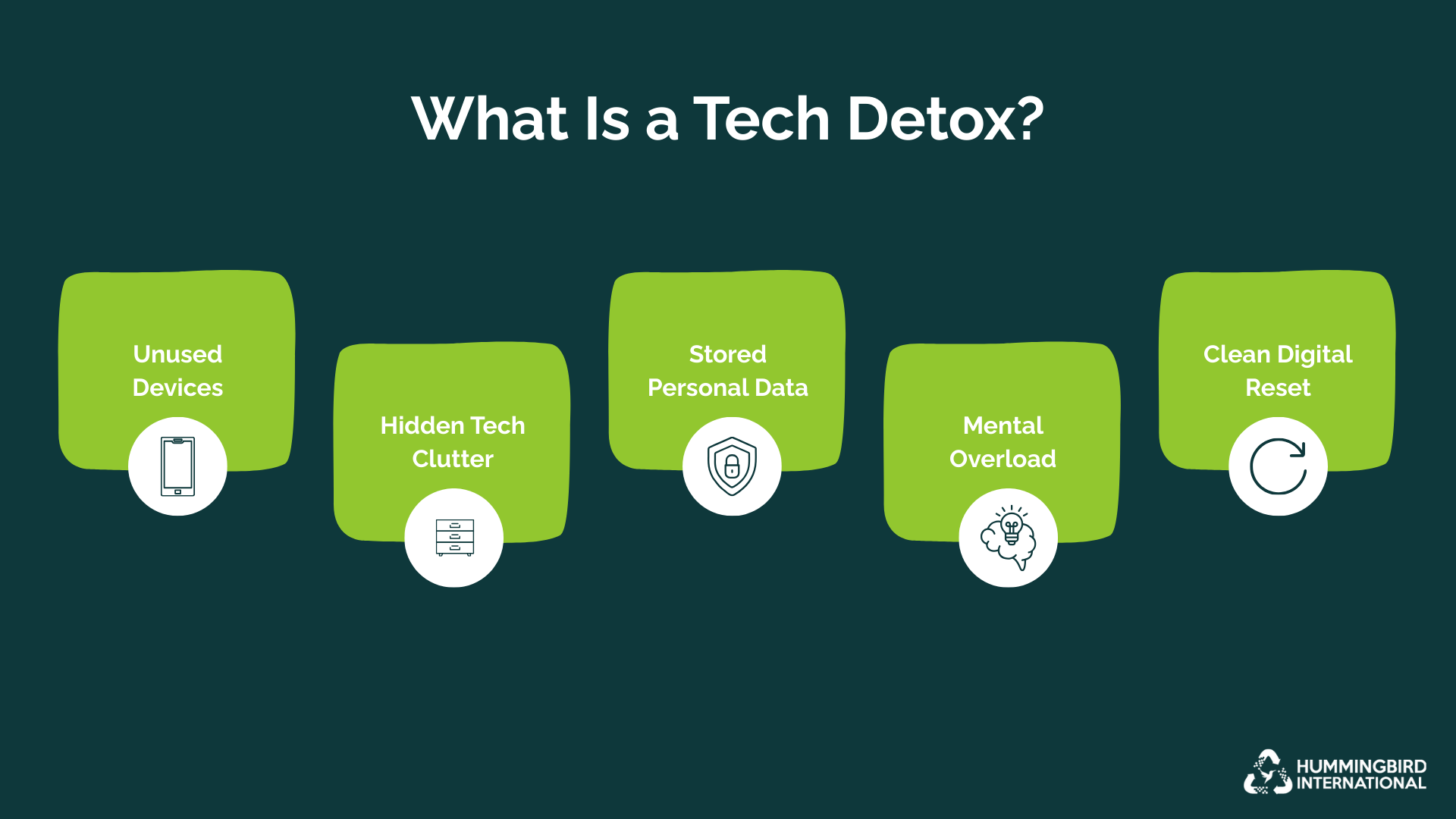
The goal of a tech detox is to use your devices the way they were meant to be used, to support your life rather than piling up in the corners of your home. And since it is illegal to throw away these gadgets in states like Texas, it is best to find the right way to detox.
Book a free e-waste pickup with Hummingbird International.
Why A Tech Detox Is The Right Way To Start 2026?
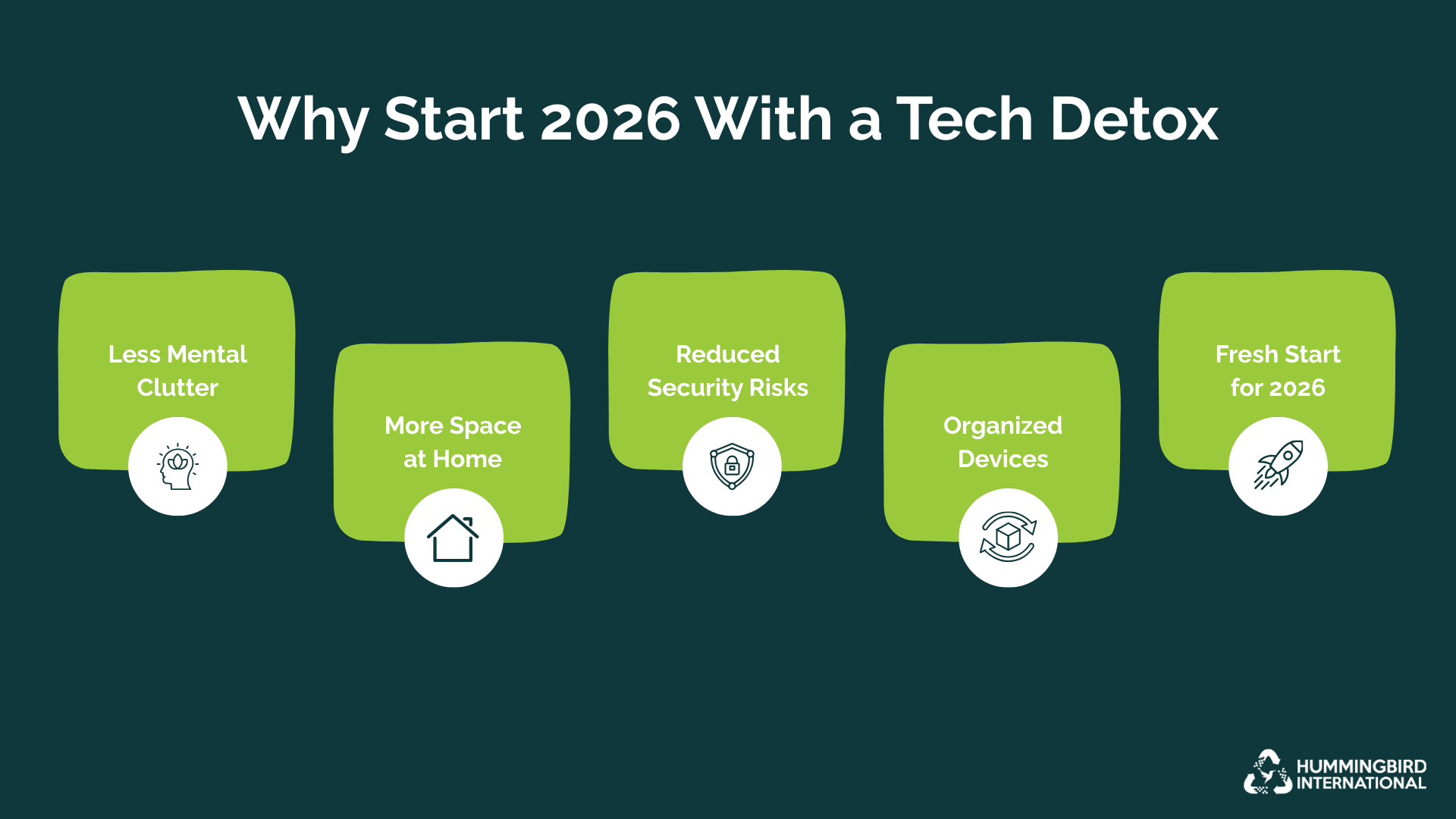
Start The Year With No Mental Or Tech Clutter
Old devices and digital clutter lying around the house can drain your mental peace. When you clear them out, your home feels lighter and so does your mind.
Make Room For New Gadgets You Already Use
When you don’t declutter, you don’t really know what gadgets still work and can be useful. But when you clear the old, you see exactly what’s working, what needs an update, and what’s simply taking up too much space.
Reduce Hidden Security Data Risks
You might not think about it, but old devices such as unused phones, laptops, and hard drives. Detoxing can help you remove the data before you decide the fate of those devices.
What To Do With Devices You Are Not Ready To Throw Away
The whole point of detoxifying tech is to make your life stress-free, so not every device needs to leave your home immediately. Some still work, some hold memories, and some you might want as backups. But the key is to handle them in a way that keeps your space organized and your data safe.
-
Begin With Sorting
Decide which devices you’ll keep, which need repair, and which are just taking up space.
-
Back Up Data
Before you put anything away, back up any critical files, photos, or apps you want to keep. This way, you won’t lose anything valuable when decluttering.
-
Repurpose If Possible
If you are not ready to part with a device, you can give it a second life creatively. There are various ways to recycle old devices and create circular loops for e-waste that have low environmental impact.
-
Check The Battery
Batteries, if left inside, can degrade or swell over time. This can be a safety hazard if you have kids or pets at home. If you are storing any device, remove the batteries.
Should You Sell, Donate, Trade In Or Recycle?
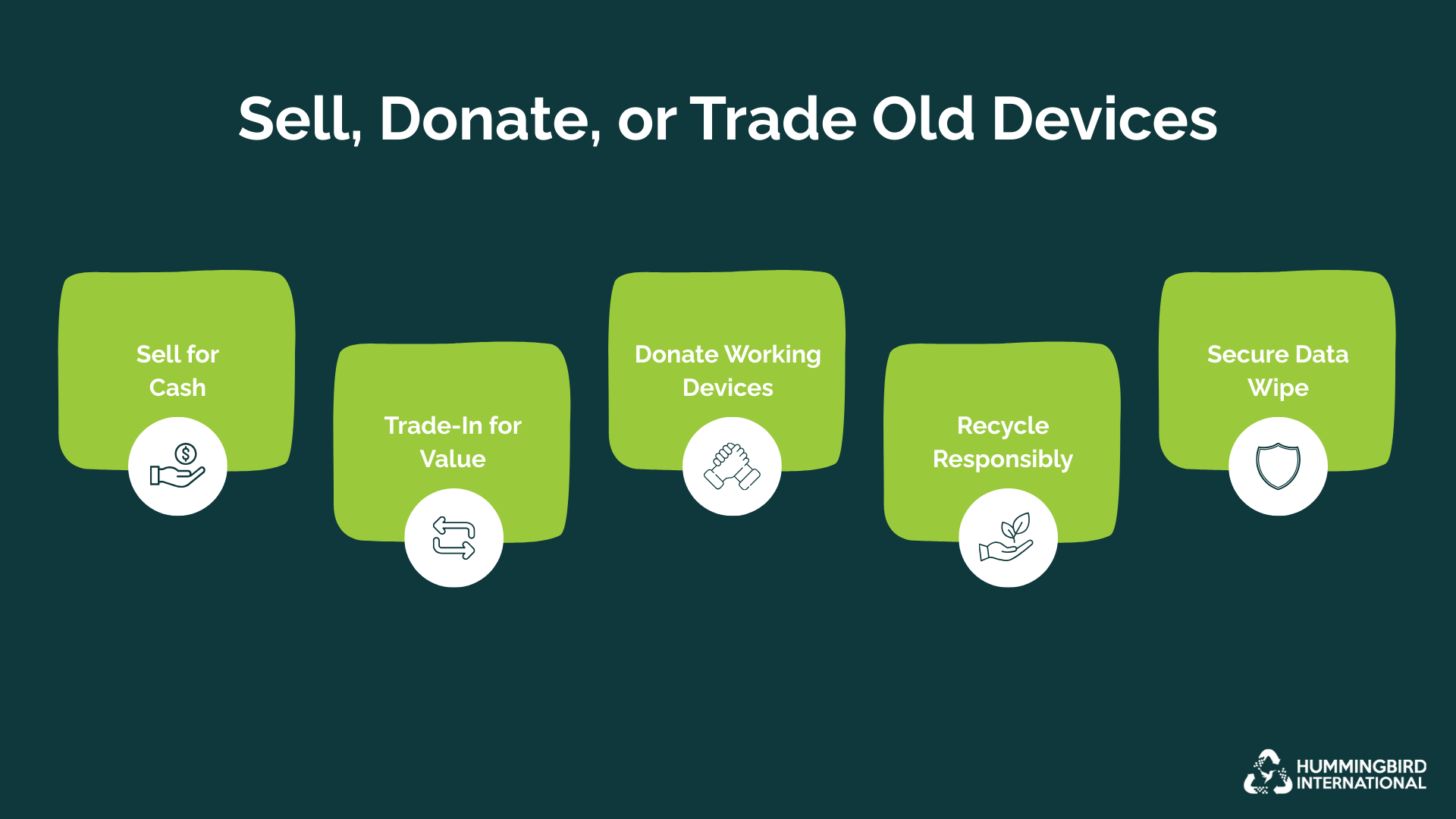
Once you have sorted through your devices, the next step is to decide what to do with the devices you no longer need. There are three options at this stage: you can either sell, donate, trade in, or recycle. Here’s a guide that makes the choice clear and practical.
| What You Should Do | Why Choose This | How To Maximise Value |
| Sell | You want cash, and your device is still in good condition |
|
| Donate | The device works, but has low resale value |
|
| Trade In | The device still has value for manufacturer programs or retailer offers |
|
| Recycle | Devices no longer in use can be handed over to certified recyclers for a more environmental concious decision. |
|
Make A Quick Decision
Here is a quick checklist to help you make a decision without spending hours thinking.
Is it still working well?
- Yes → Consider selling or trading in
- No → Consider donating or recycling.
Is it outdated but repairable or valuable?
- Yes → Trade-in with manufacturer or retailer
- No → Donate if functional, recycle if broken
Does it hold sentimental value?
- Yes → Store safely, back up important data
- No → Move it out—sell, donate, or trade in
Is the device storing personal or sensitive data?
- Yes → Back up, wipe, and reset before letting go.
Do you have multiple similar devices?
- Yes → Keep the best one, let the rest go.
15 Minute Digital Cleanse Checklist
Any sort of detox can be overwhelming. But with the right guide, you can make real progress in just 15 minutes. Here is a 15-minute checklist to help you detox digitally:
-
Gather All Old Devices
pexels.com/Paul Seling
- Collect all old devices, chargers, accessories, and cables from drawers, shelves, and cupboards.
- Keep them in one spot so you can see exactly what you’re working with.
-
Sort Tech & Decide
- Quickly decide which devices to keep, repurpose, sell, donate, or recycle.
- Ask yourself: Does it still work? Do I use it? Does it hold sentimental value?
- Separate devices into piles for each option.
-
Back Up & Wipe Data
- Back up any important files, photos, or apps from devices before leaving your home.
- Wipe personal data and do a factory reset where possible.
- Remove SIM cards, memory cards, or external storage.
-
Check Batteries
- Remove batteries from devices you plan to store.
- Inspect cords and chargers and dispose of frayed or damaged ones safely.
-
Pack & Label
- Pack devices for selling, donating, or recycling.
- Label boxes clearly so you know what’s going where.
- If keeping devices, store them neatly and safely in a dedicated spot.
Practical Hacks For Organizing Tech

pexels.com/cottonbro studio
When decluttering, you may be worrying about all the cables, chargers, and accessories, but here are simple, practical hacks to help you organize tech.
-
Keep Cables Under Control
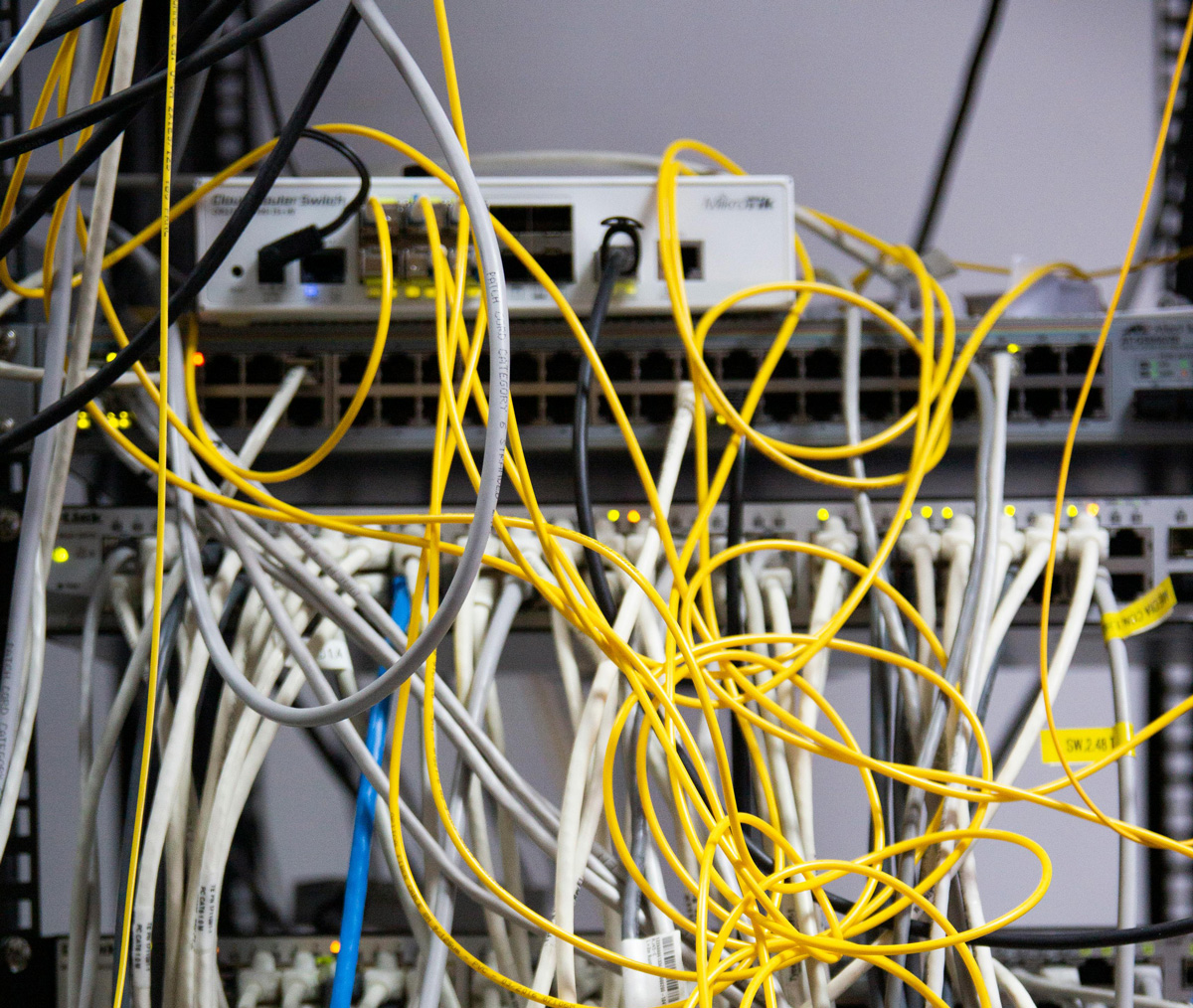
Cables cause the most clutter. You can use small velcro straps, twist ties, or even empty cardboard rolls to keep cables neat. Label them if possible, so you know which device they belong to.
-
Stick To One or Two Chargers
You may have several cords and chargers that charge the same thing. Pick one or two charging solutions and let go of duplicate, proprietary, or damaged cables.
-
Dedicate Storage For Devices
Set aside a drawer, shelf, or box for devices you plan to keep. You can use dividers or small containers to keep the gadgets from jumbling together.
-
Take Inventory
If you’re forgetful, take a photo of devices, chargers, and accessories before storing them. Add a note for each item, including what it is and where it’s kept.
-
Label Everything
Labeling is the fun part. Go for simple labels, colored tags, and stickers on cables and chargers to make them easier to find and organize.
Conclusion
If you have old laptops that you no longer need, don’t let them gather dust. A tech detox is more than clearing space; it is about starting the year with a clean slate. Hummingbird International makes it easy for you to declutter and start every year in a clutter-free home and with a bit of extra money in your pocket, mental peace, and the joy of responsible recycling.
FAQs
Why should I declutter my old tech?
Old gadgets take up space, can store sensitive data, and add to mental clutter. Clearing them out makes your home organized and keeps your information secure.
How long can a tech detox take?
If you have a focused approach, you can sort, back up, and organize your devices in as little as 15-20 minutes.
Can I repurpose devices instead of letting them go?
Absolutely. Old tablets, phones, or laptops can be turned into recipe stations, digital photo frames, or backup devices.
Can I donate devices to schools or charities?
Absolutely. Hummingbird International can help identify local organizations that accept functional devices, giving your old gadgets a meaningful second life.


Leave a Reply